> For the complete documentation index, see [llms.txt](https://galmis.gitbook.io/serializer-product-tracking/llms.txt). Markdown versions of documentation pages are available by appending `.md` to page URLs; this page is available as [Markdown](https://galmis.gitbook.io/serializer-product-tracking/getting-started/item-management/manage-sold-items.md).
# Manage sold items
## Overview
Sold items allow you to track unique information (serial numbers, [custom fields](/serializer-product-tracking/getting-started/setup-and-configuration/settings/track-custom-item-information.md), warranty duration) for individual product units on customer orders.
**Sold items vs inventory items:** Sold items track units on customer orders (after sale), while inventory items track units on hand (before sale).
***
## What you can do
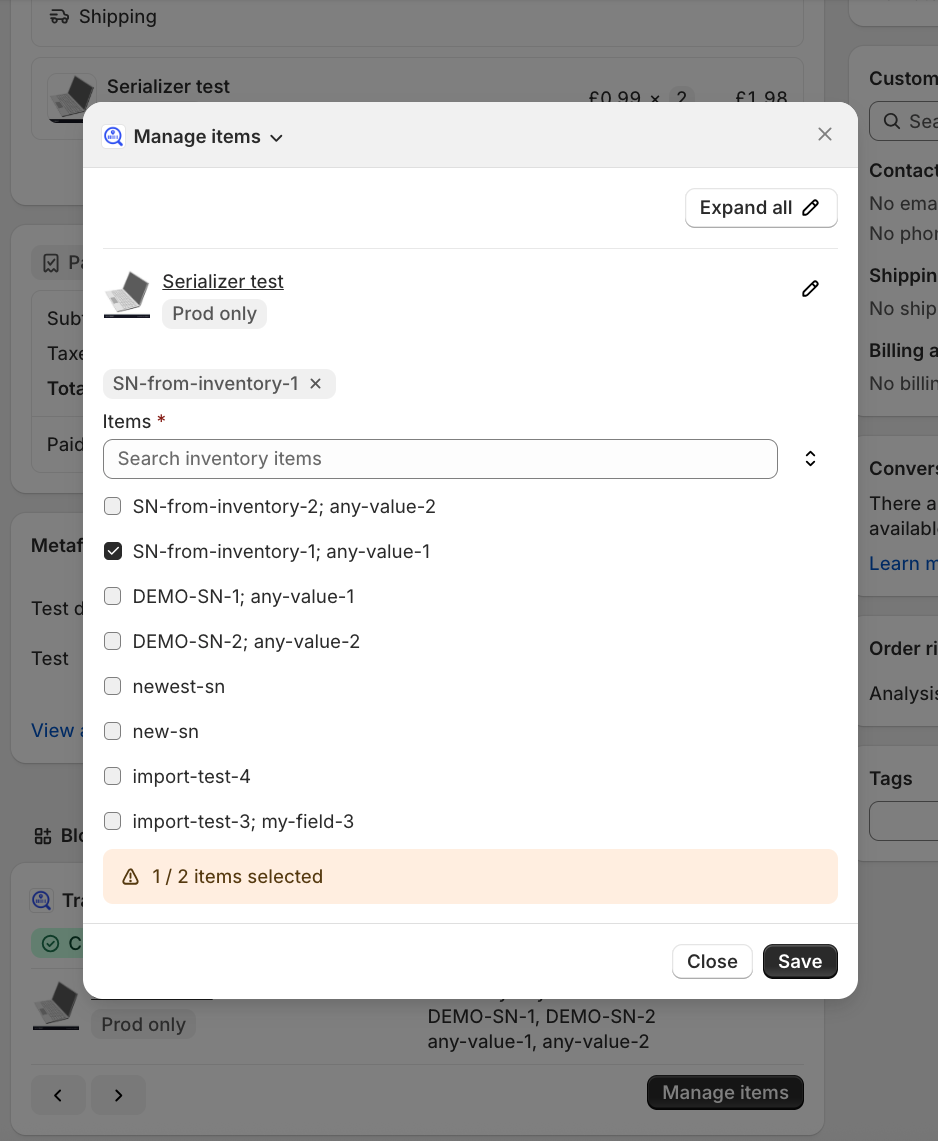
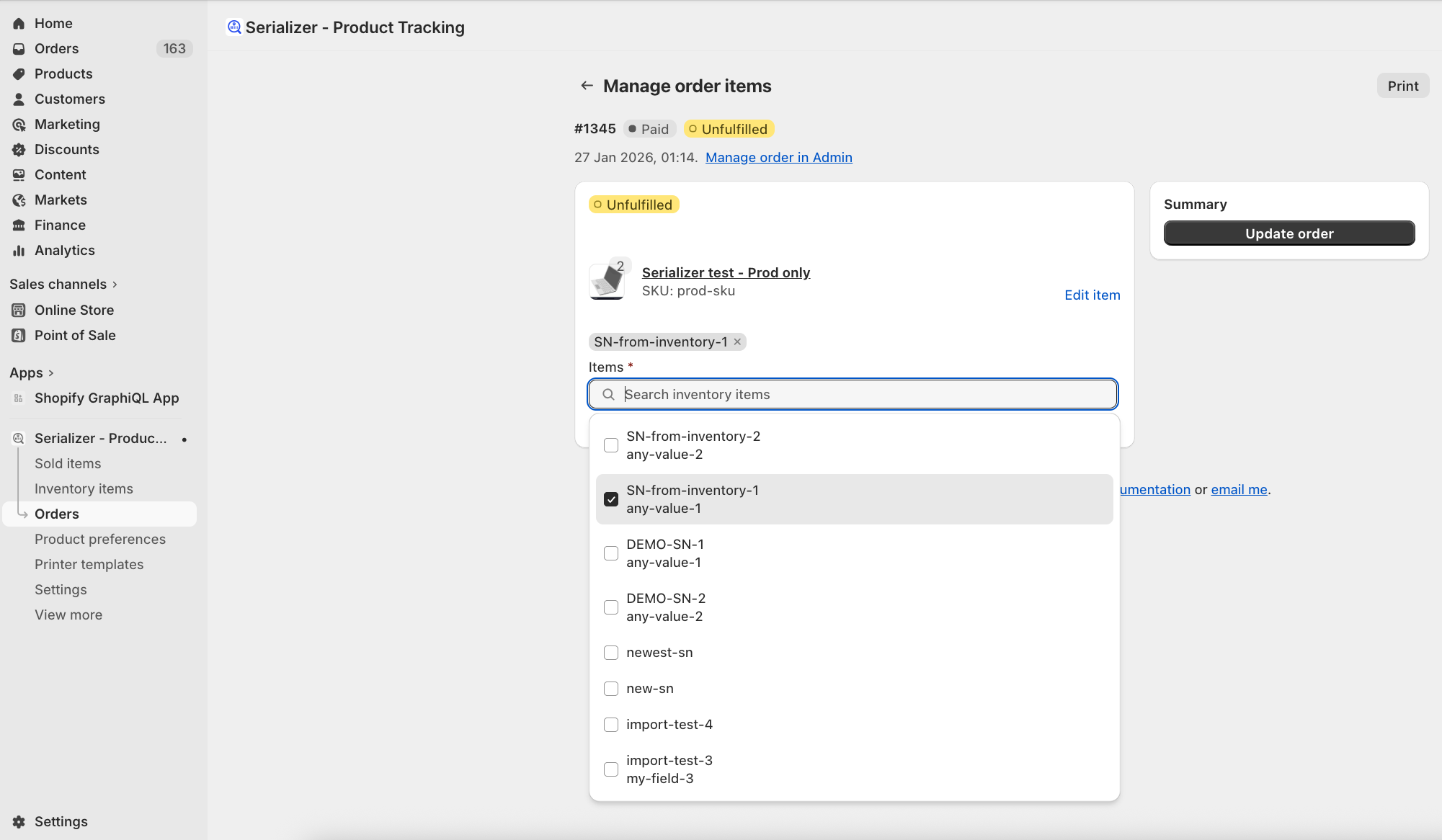
* **Add tracking information in two ways**: Enter data directly with text input, or assign preloaded inventory items. Learn more about different [item tracking methods](/serializer-product-tracking/getting-started/setup-and-configuration/settings/item-tracking-methods.md).
* **Scan barcodes**: Use your mobile device's camera (available in embedded app only) or a handheld scanner in HID (keyboard) mode
* **Update multiple orders efficiently**: Add tracking information to several orders at once (available in embedded app only)
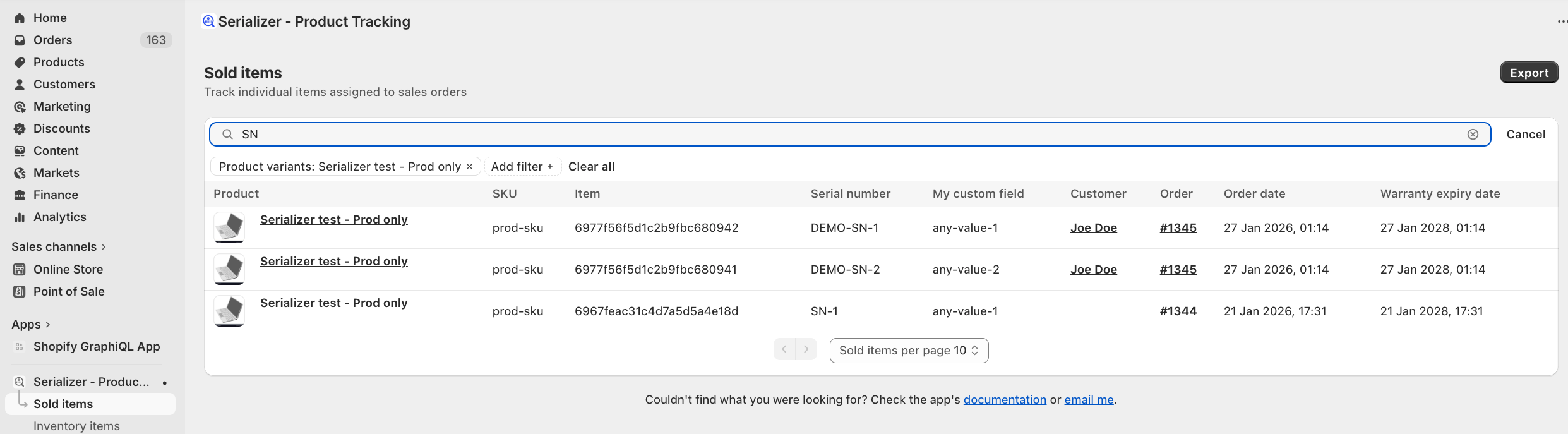
* **Find any sold item in seconds**: Search by serial number, item ID, or any custom field. Filter by customer or product variant.
* **Handle warranty claims confidently**: Warranty expiry dates automatically calculated, based on order date - no manual date tracking needed
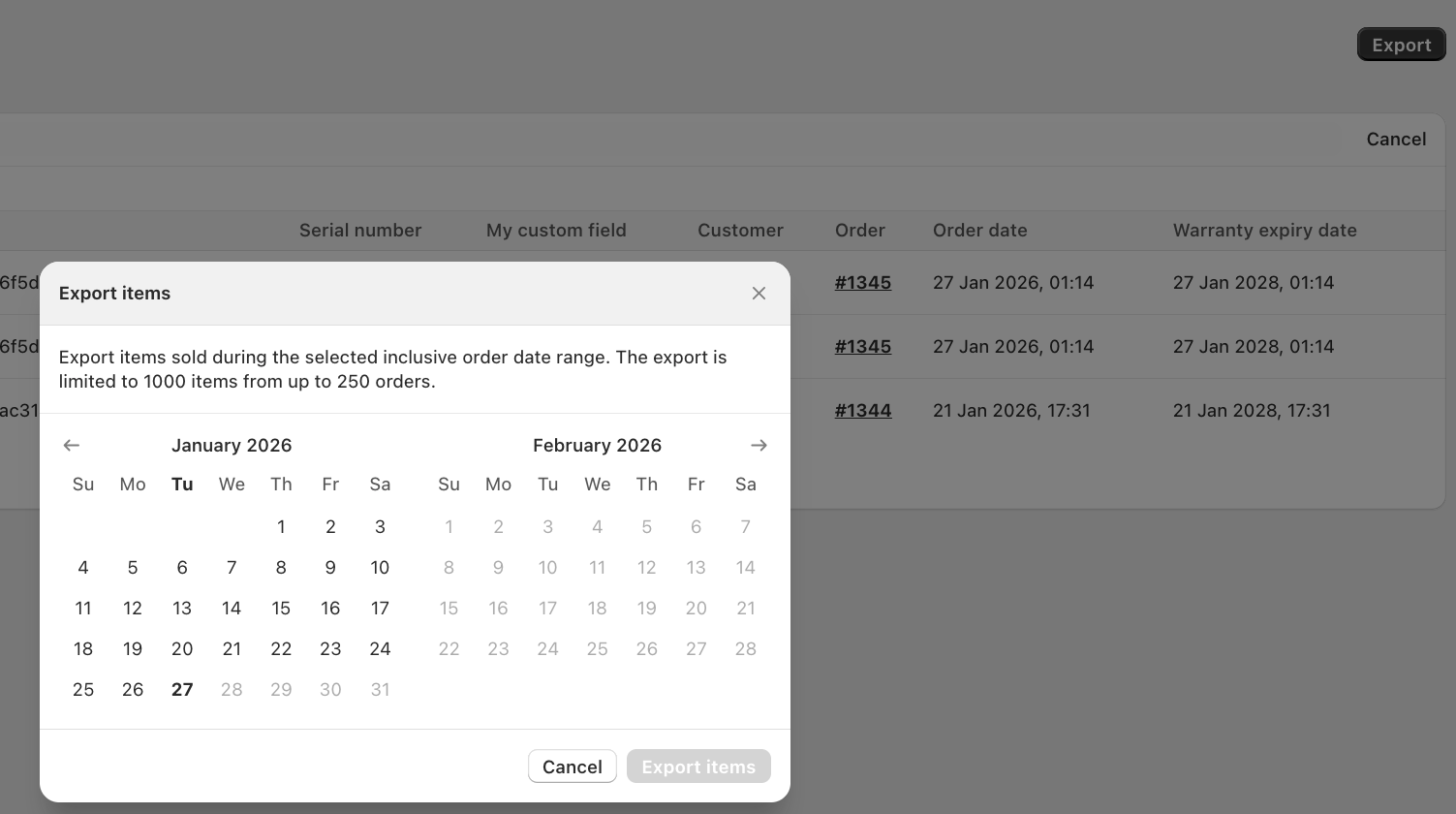
* **Export data for reporting**: Download sold items for compliance audits, analytics, or sharing with other systems
***
## Prerequisites
Before managing sold items:
* [Enable tracking](/serializer-product-tracking/getting-started/setup-and-configuration/product-tracking-preferences.md) for your product variants
***
## Where to manage sold items
Choose the location that fits your workflow. Both support adding and editing item information - the difference is how you access them.
***
### Shopify Admin (Order details page)
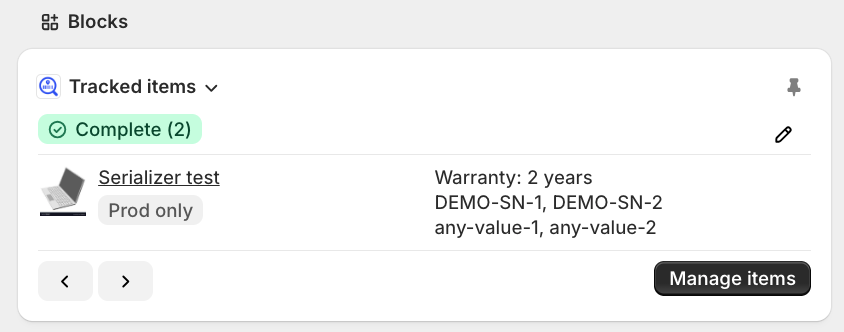
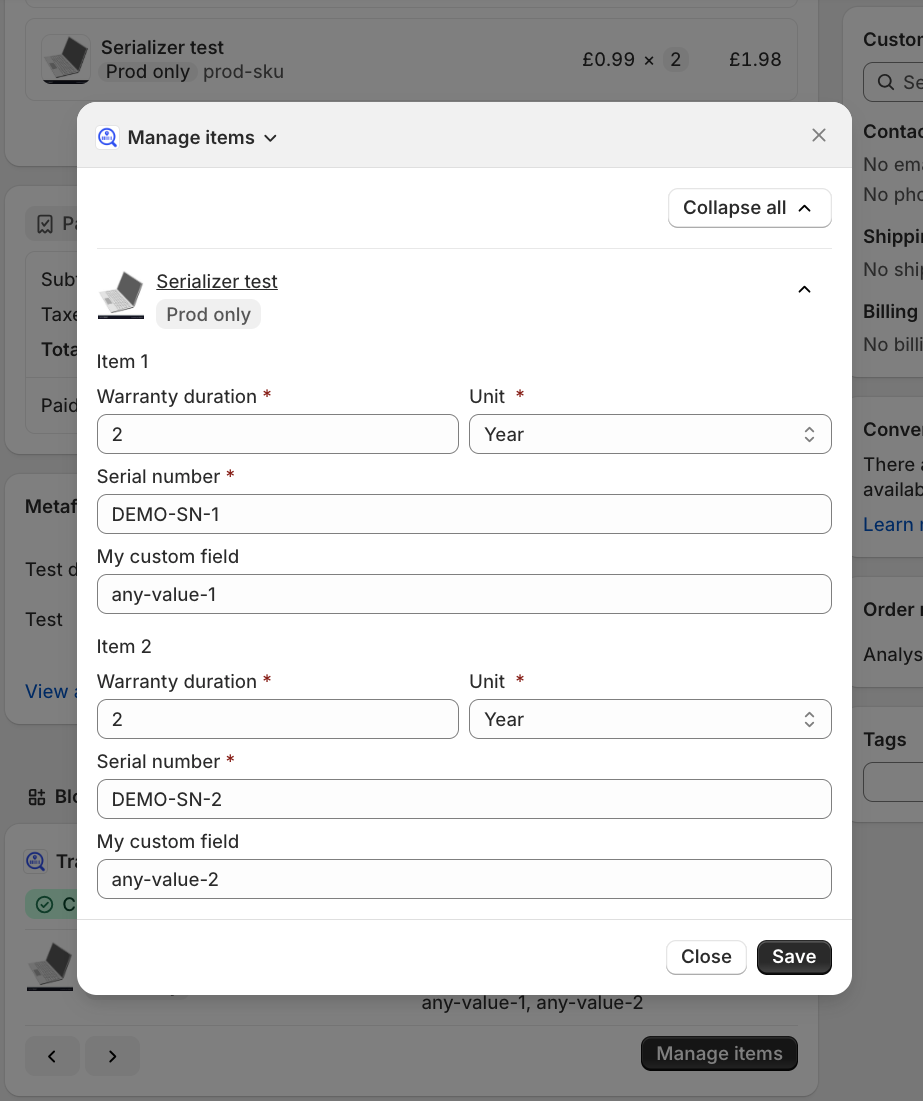
Add and edit items directly from any order details page using Serializer's "Tracked items" block and "Manage items" action extensions - no need to leave Shopify Admin.
**When to use:** Quick updates while reviewing orders, or when you want to stay in Shopify Admin without opening the embedded app.
Get started: [Manage sold items on the order page in Admin](/serializer-product-tracking/getting-started/item-management/manage-sold-items/manage-items-on-the-admin-order-page.md)
***
### Embedded app (Orders page)
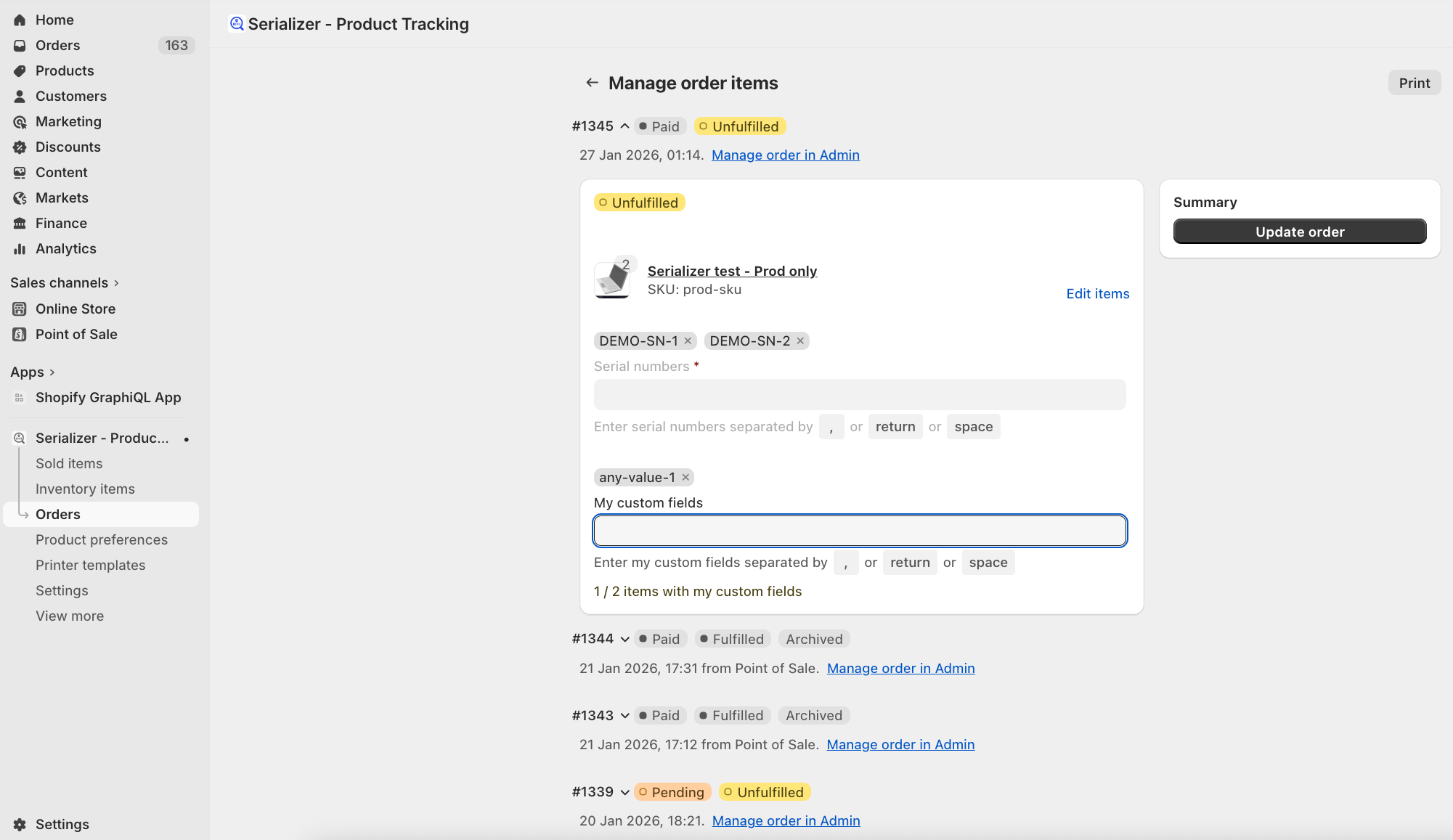
Access comprehensive order management through the app's **Orders** page for bulk operations and fulfilment visibility.
**When to use:** Managing large orders or multiple orders at once.
**Get started**: [Manage sold items in the embedded app](/serializer-product-tracking/getting-started/item-management/manage-sold-items/manage-sold-items-in-the-embedded-app.md)
***
## Find and manage items across orders
### View all sold items
Search, filter, and export sold items across ALL your orders in one centralized page.
**How this helps you:**
* **Filter to narrow results**: Filter by product variant or customer to focus on specific items
* **Export for compliance and analytics**: Download sold items with date ranges (up to 1,000 items) for audits or reports
* **Customize your view**: Show only the columns you need
**Get started:** [View all sold items](/serializer-product-tracking/getting-started/item-management/manage-sold-items/view-all-sold-items.md)
***